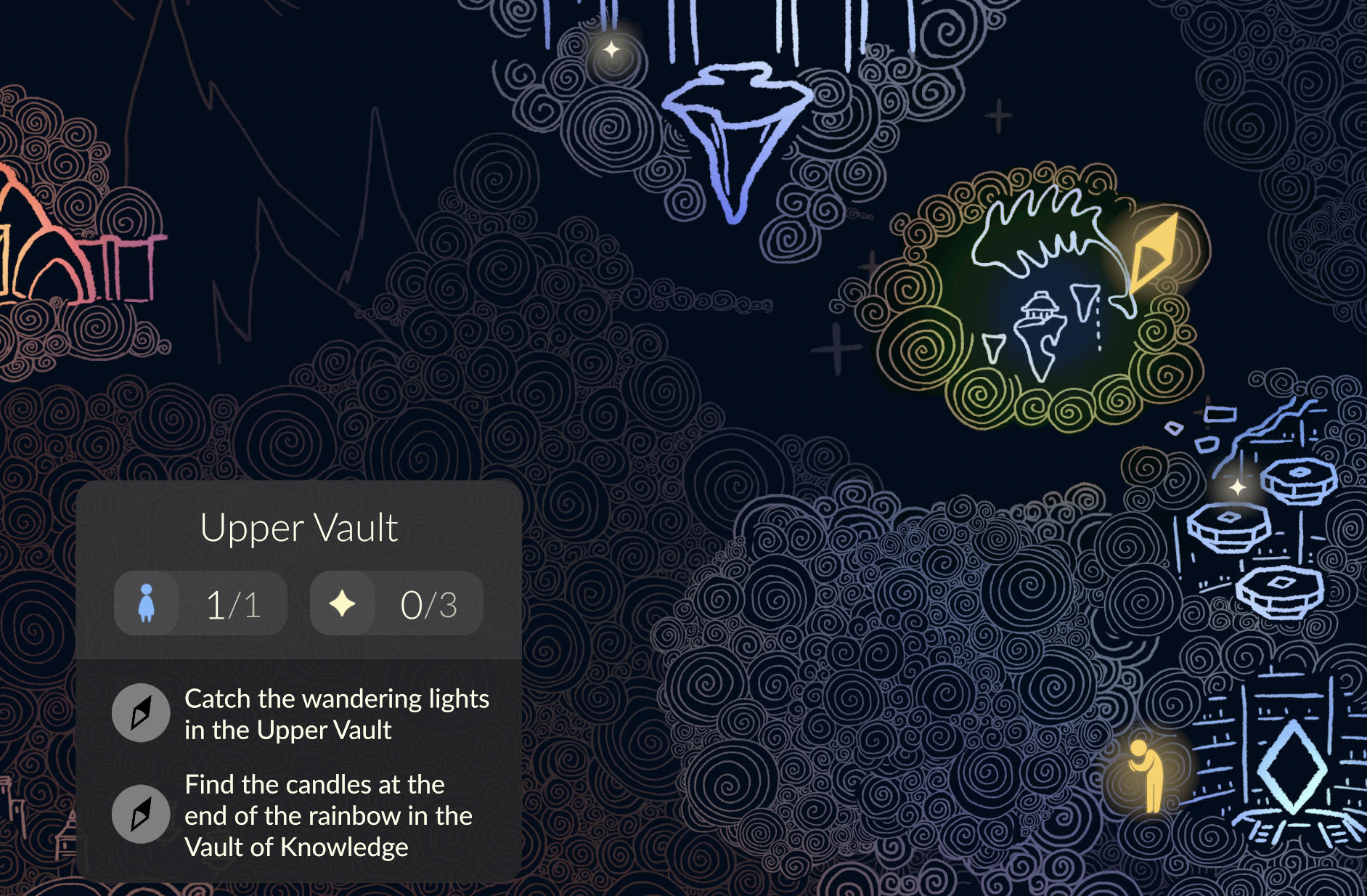
The Sky Map is the world map within Sky to help you uncover all the secrets the realms have to offer! The Map can help you find missed Winged Lights, Spirits who require your Light, the location of Seasonal Guides, Daily Quests, and, of course, show you where you currently are in the world.
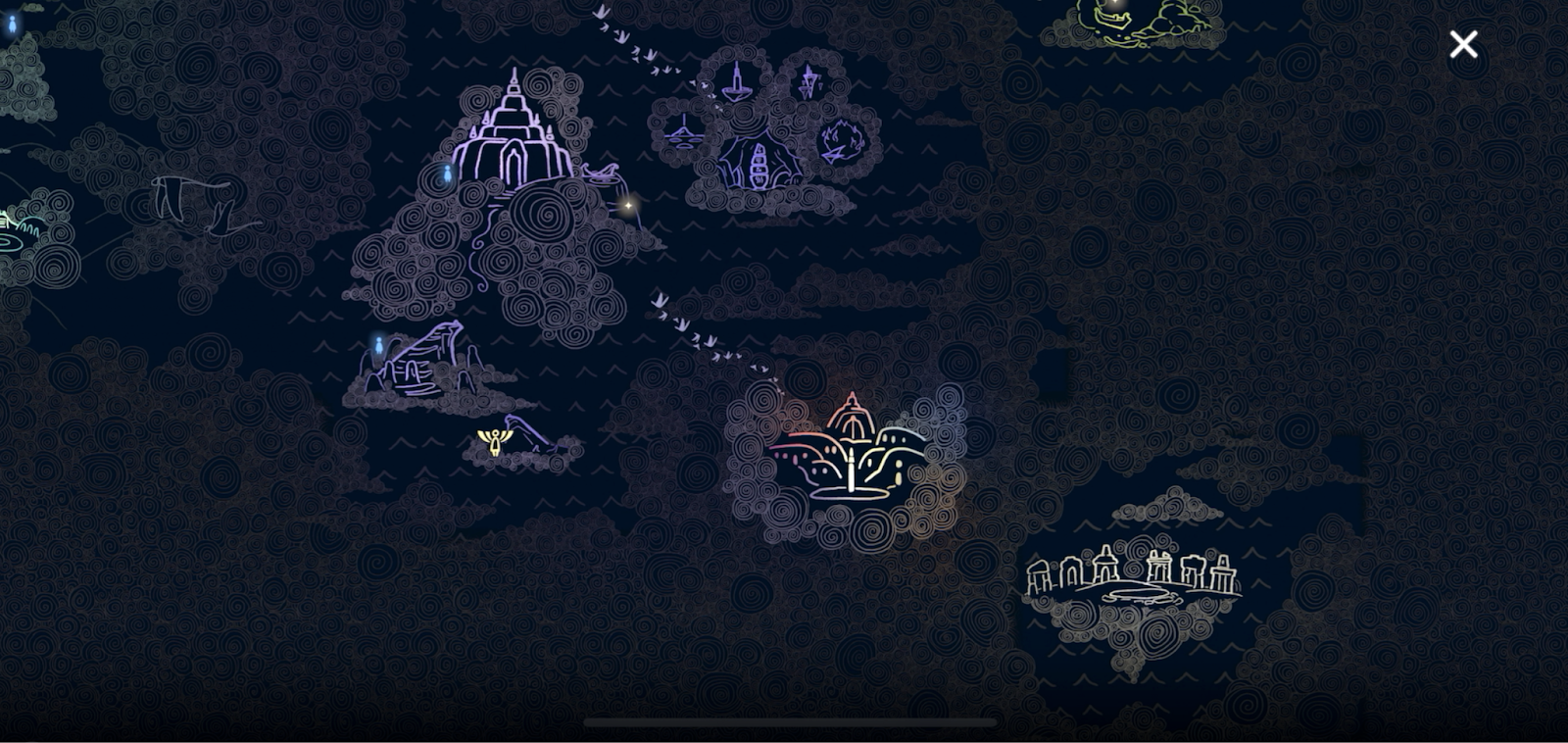
How do I access the Sky Map?
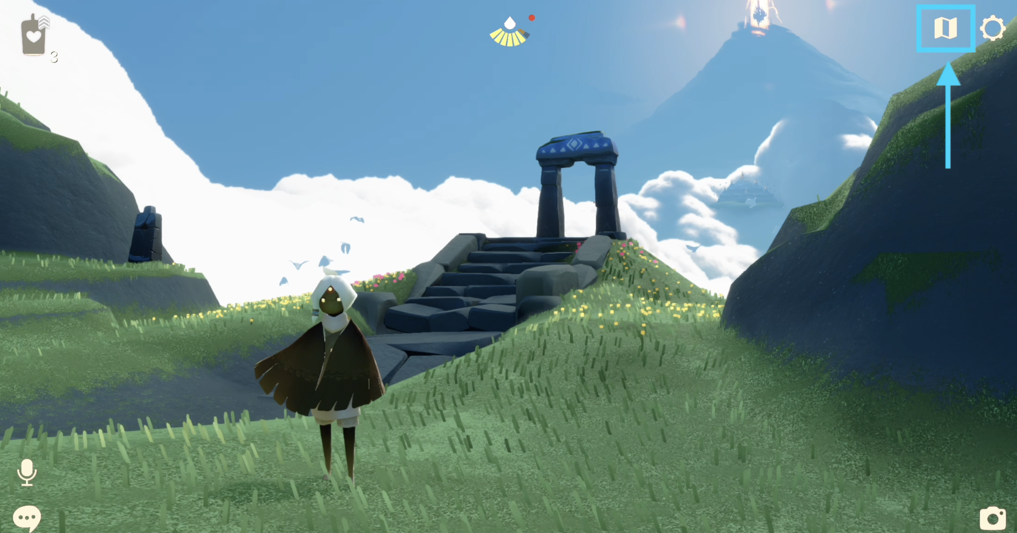
As of January 6th, 2026 - 32.0 patch update, visiting a Map Shrine is no longer necessary to access the Sky Map. To access the Map Anywhere, tap the map button located at the top-right corner of the screen.
For mouse & keyboard, press M to open the map.
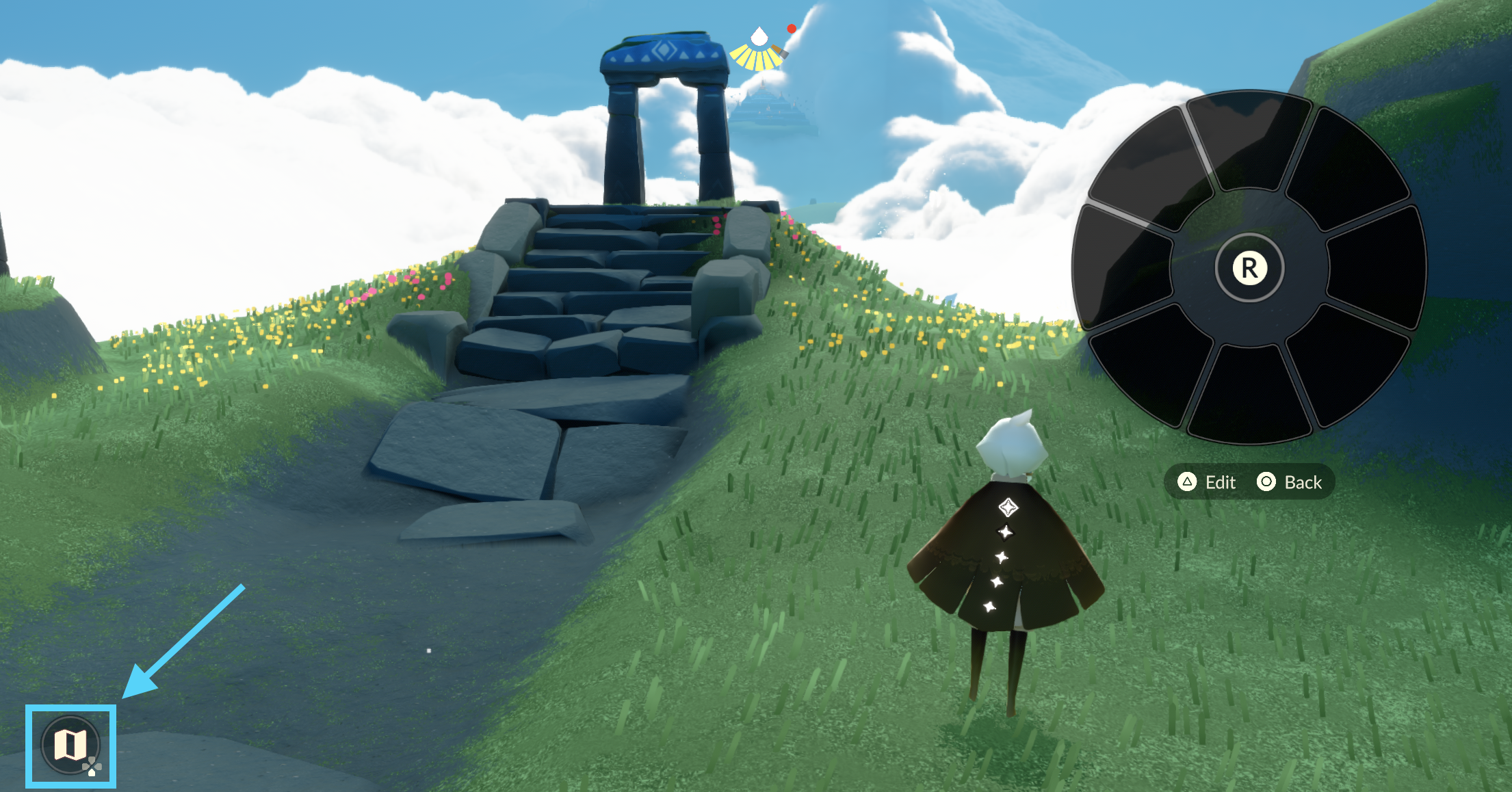
For controller/gamepad, hold the left trigger and press down on the D-pad.
Accessing the map - touch controls:
Accessing the map - controller/gamepad:
What do the map symbols represent?
| Map Symbol | Description |
 | Yellow Sky Kid: Your location |
 | Blue Spirit: Spirit to discover |
 | Yellow Star: Uncollected Winged Light Note: This marker indicates that there are uncollected Winged Light(s) in the general area. It does not pinpoint the exact location of an individual Winged Light.
|
 | Golden Yellow Icon (various): Daily Quest location |
 | Shining Star: Realm Temple |
 | Season Icon: Seasonal Guide / Quest Giver Note: This icon only appears once you have completed the core story loop by finishing the Eye of Eden realm. |
How do I reveal locations on the map?
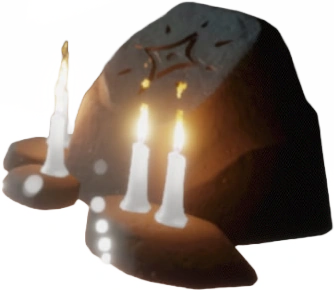
To reveal areas of the map, you must visit Map Shrines scattered across the realms. Once you activate a Map Shrine, you’ll permanently reveal that shrine’s area of the world.
How can I find more details (name, spirits, winged light, daily quests) about an area?
To see more details about an area—such as its name, the number of Spirits or Winged Light found there, or current Daily Quests—simply click on that area on the map. A card containing this information will appear at the bottom-left corner.