The Sky AR Camera feature allows you to bring your Sky Kid to the real world through the use of Augmented Reality! This feature is available on iOS, Android, and Huawei devices supporting Google ARCore.
Note - This feature is an early prototype. We plan to make many improvements to this feature in future updates.
To use AR mode, follow these steps:
1. Download the Anchor image linked below and either print it or have it digitally displayed on a screen. http://bit.ly/SkyARMap
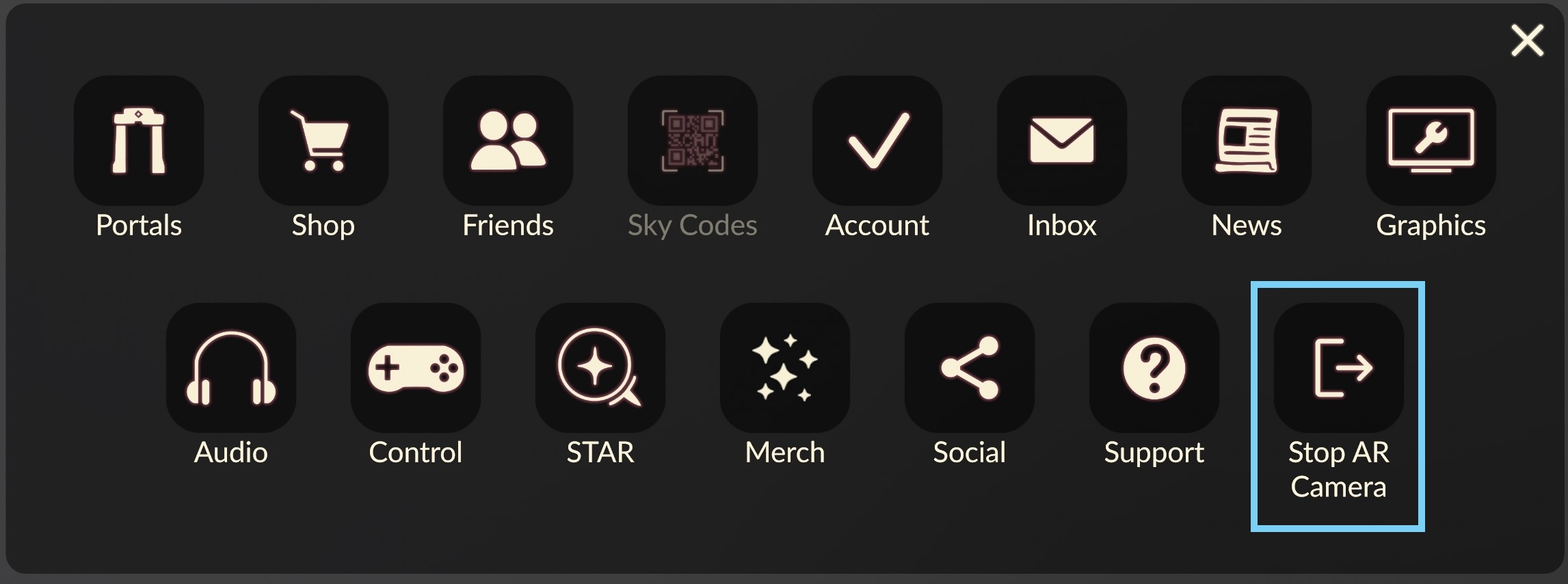
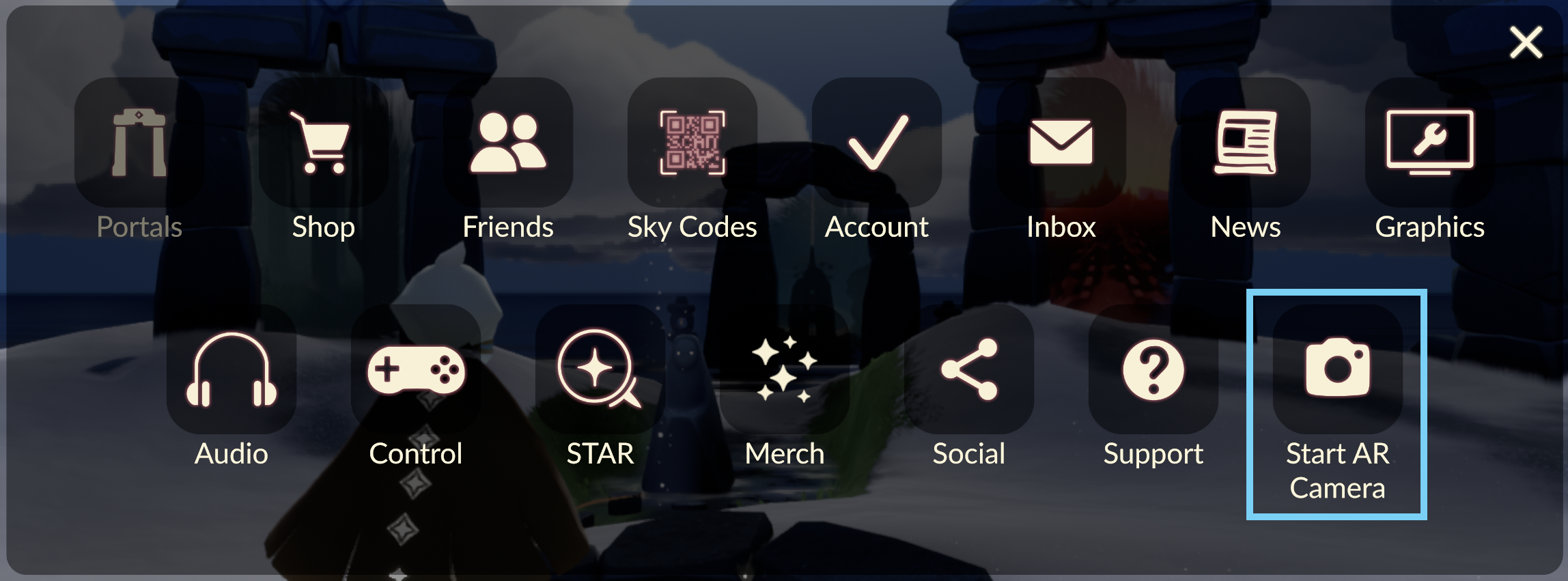
2. On your mobile device, open the Settings menu in Sky (cog-icon at top-right of screen) and select the “Start AR Camera” button.
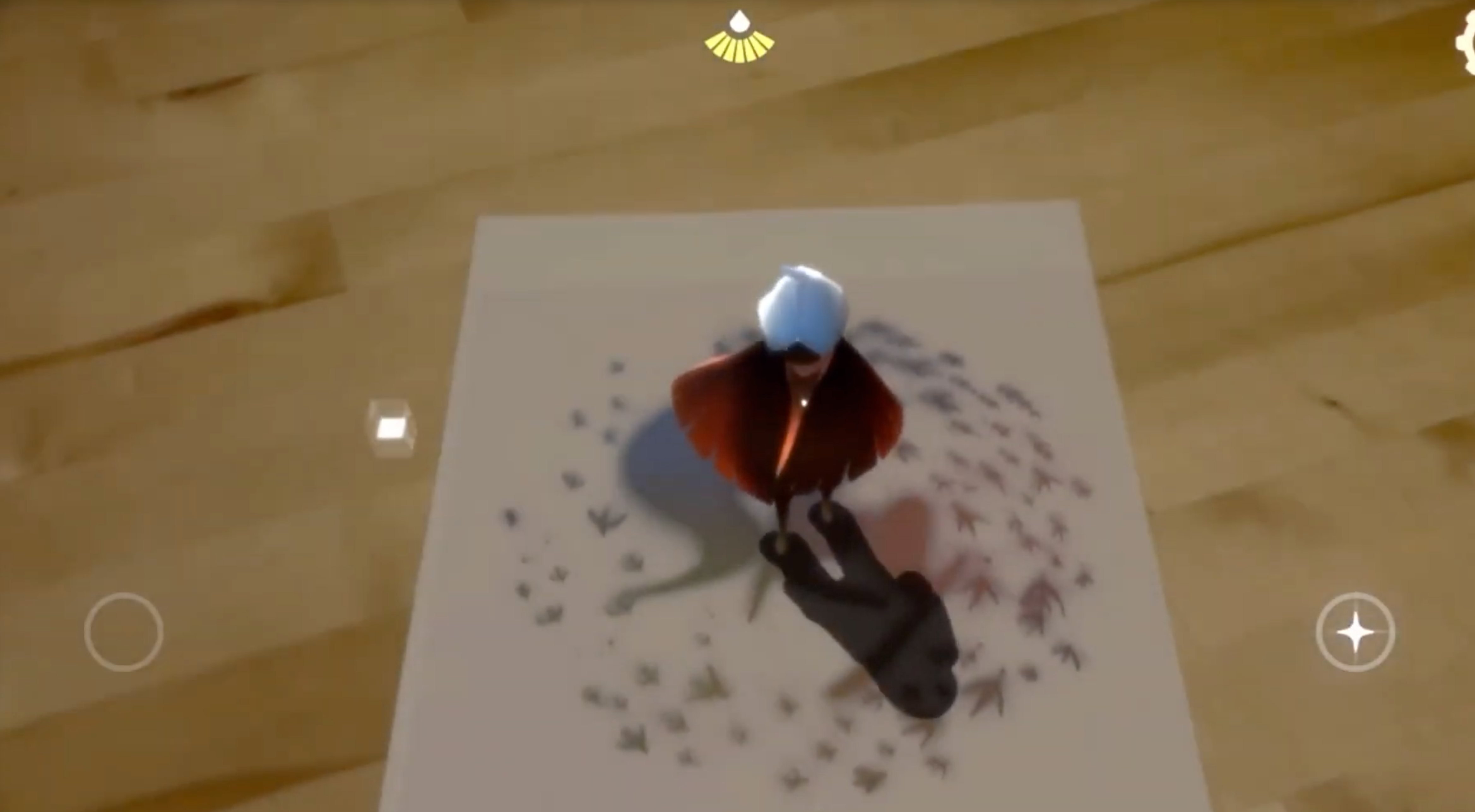
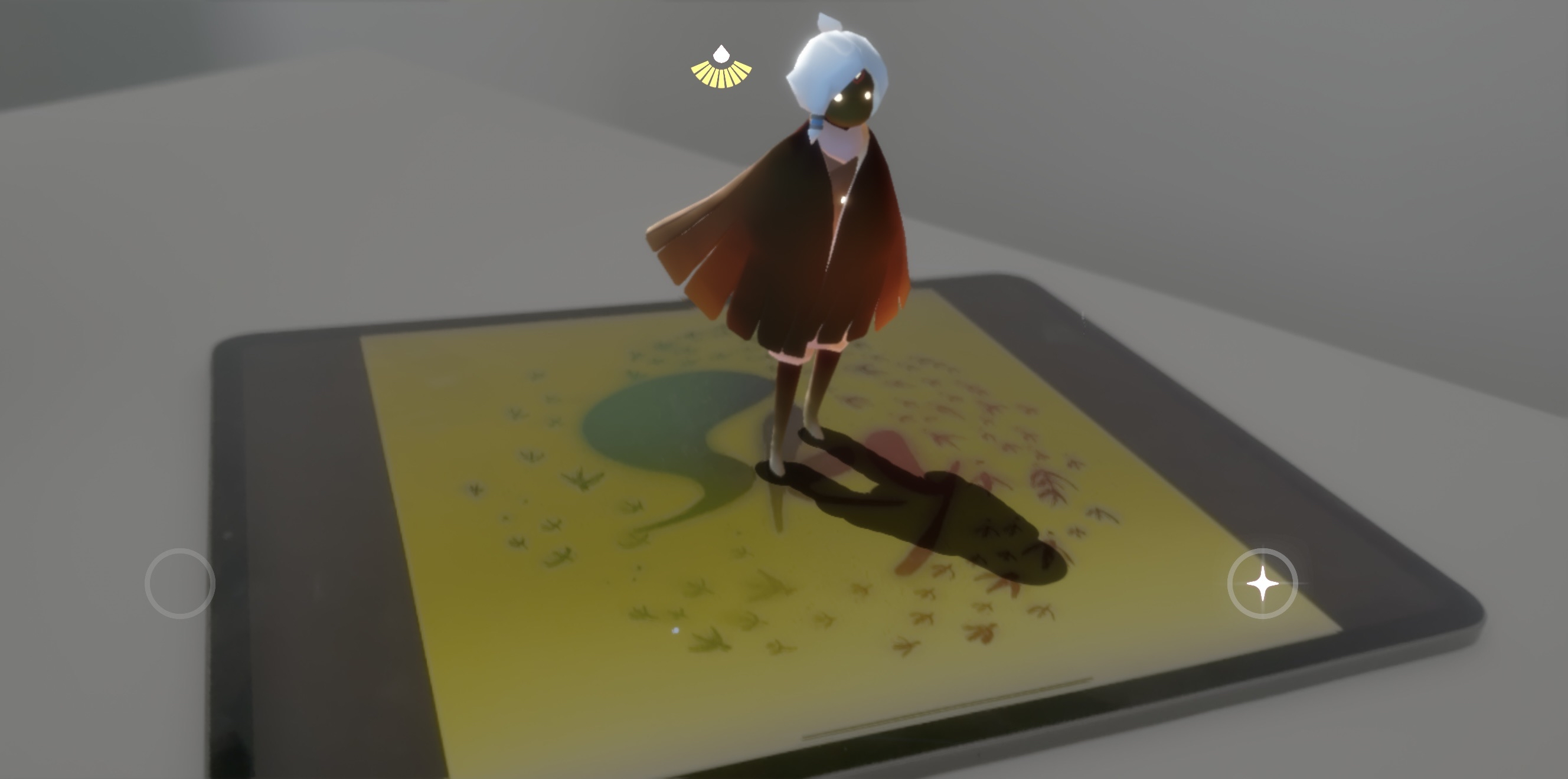
3. Point your device camera at the Anchor image and see your character appear!
4. When you are ready to leave AR mode, open the same Settings menu (cog-icon at top-right) and select “Stop AR Camera”.