
With the Season of Radiance, you can further customize the color of your cosmetics using dyes, and now, with 0.33.5, prop customization is available as well. Head over to the Dye Workshop in Aviary Village to learn more about dyeing your items!
How do I acquire different colored dyes?
Find new colorful dark plants scattered around the realms of Sky and defeat them. Once defeated, colorful butterflies will appear. Use the Butterfly Expression or Call to collect these colorful butterflies to fill up your color jars to receive jars of dyes, similar to forging candles.
- Explore each realm to discover all available colors: red, yellow, blue, white, green, cyan, purple, and black dye
- Even more color combinations are available by mixing main colors and trim colors when dyeing your items!
Note:
- Some dyes are rarer than others.
- You can check out your available dyes, see how much Colored Light you have, and forge dyes in the new "Dyes" section of the Spells Menu.

Is there a limit to how much dye I can collect?
Yes, there is a limit to how much colored light you can collect in a day. This limit varies by the type of colored light.
Where can I dye my items?
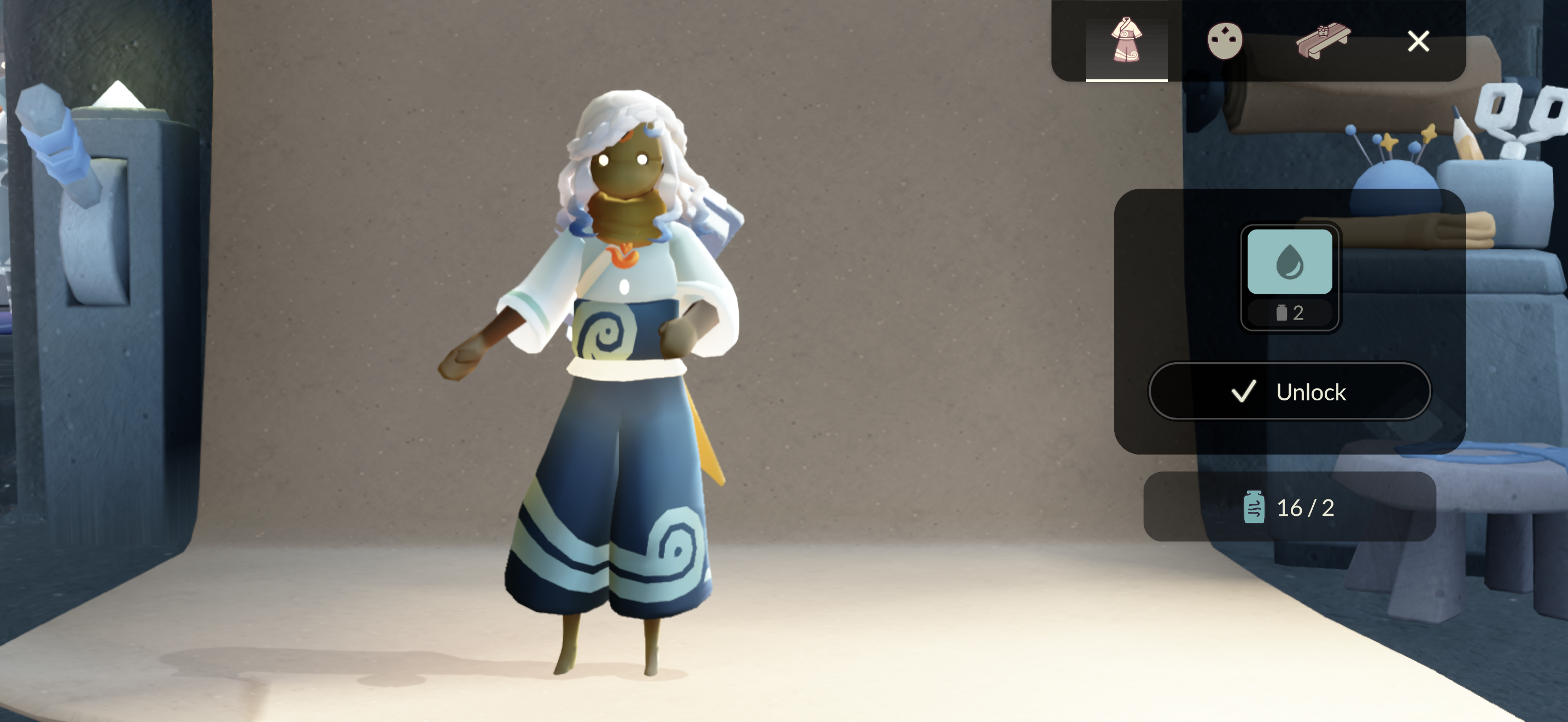
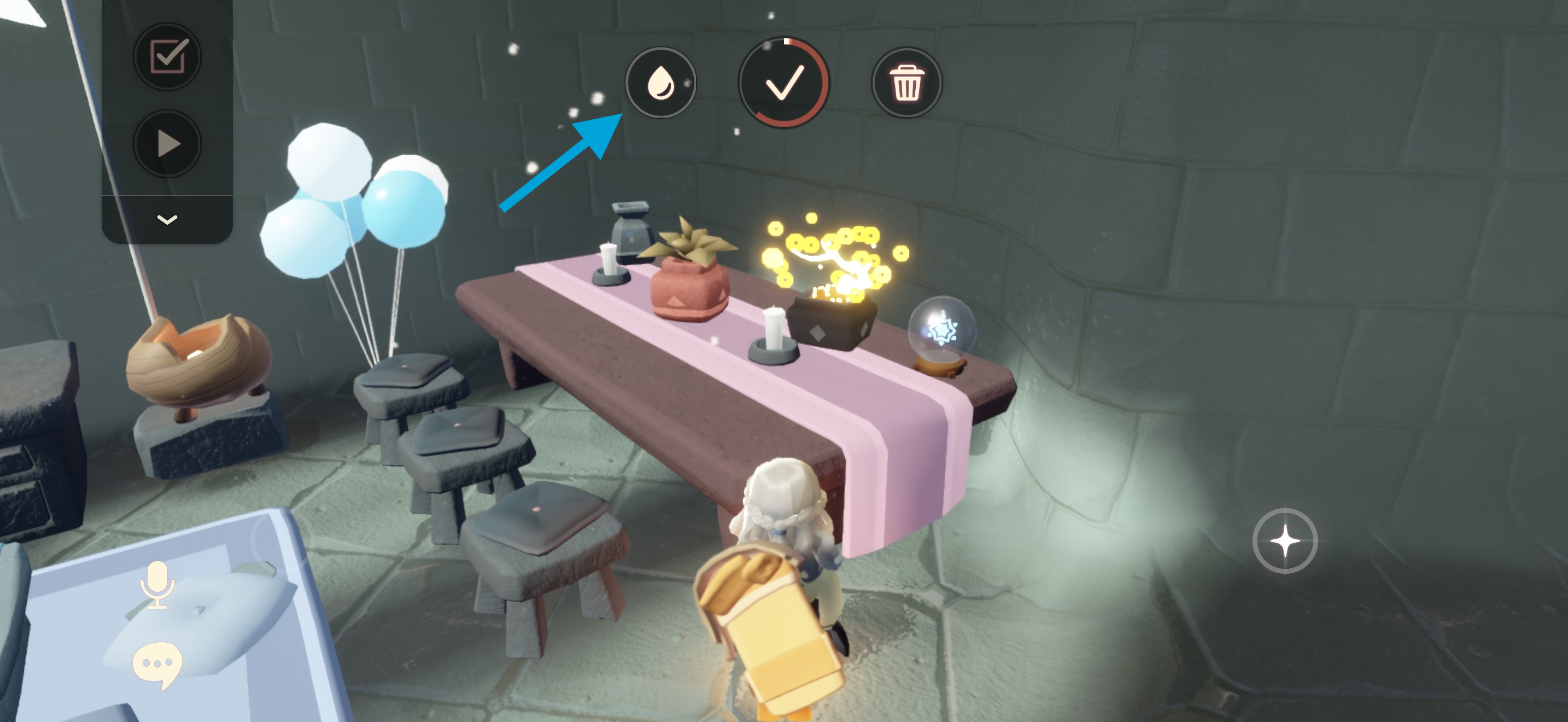
You’ll be able to dye your currently-equipped clothing and furniture/prop using the Dye UI at the Dye Workshop in Aviary Village. Props can also be dyed in your nest or shared space by interacting with them and selecting the Dye button.
Note:
- Any cosmetic or prop spells will be disabled while in the Dye Workshop.
- When using the Dye Workshop to dye a prop, you won’t be able to see the new colors until you place it down in your nest/shared space.
Dye Workshop:


Nests/Shared Spaces:
Which items can I dye?
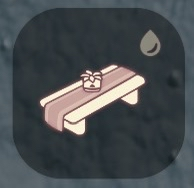
Any cosmetic or prop item with a “dye droplet” icon can be dyed. A filled-in dye droplet indicates an item that’s already been dyed. Each item has different types of customization and aspects to be dyed; have fun experimenting with your color creativity!
Please note that the Dying System is still a work in progress, and some items are not ready to dye. Additionally, some cosmetics are not dyeable - for example, hair color, Season pendants, collaboration items, etc.


Can I dye the same item multiple times?
You can re-dye your items! You can always choose to wear the default version of your item by selecting the non-dyed version from your closet.

Is there a limit to dyed variants?
You will only be able to create two(2) variants of the same item. If you want to create a third variant, you will replace a previous outfit/decoration style.
Make sure you are selecting the correct variant that you want to replace – some colors may appear similar in the closet.
Can I remove dyes from an item?
There is no option to directly delete a style, but only to replace it with a different one by wearing the original outfit/prop.
To replace a style, you will need to go back to the Dye Workshop (or select the Dye button after placing the prop in your nest or shared space) and create a new one. After you agree to create the new style, you will receive confirmation prompts notifying you that you reached the maximum number of styles for this item and that you'll need to replace one of your existing styles.
Please note that the Player Support Team cannot restore your deleted outfit style.
Where can I find my dyed items?
You can access your Outfit/Decoration Styles in the Closet. The cosmetics that have dyed versions are denoted by a filled 💧 symbol.
When decorating your nest or shared space, the dyed variants of the prop will appear by selecting the Dye button after it has been placed.