The 7th Anniversary event in Sky is here! This event features many new exciting items and activities, including a brand new feature update for the in-game camera prop. This upgrade, available through purchase using Event Tickets, introduces a Flight mode for the existing camera prop obtainable from the Season of Moments Guide.
Important Note: This feature is an upgrade for the existing camera prop obtained from the Season of Moments Guide. This upgrade will not appear as a new separate item in your closet or inventory.
Once unlocked, you can access the new feature by performing the following steps:
- Purchase the Flight mode upgrade from the Anniversary Guide. It costs 25 event tickets.
- Equip your existing camera from the prop closet. This can be acquired from the Season of Moments Guide.
- Open the camera in the emotes menu. Press the camera button to open the camera.
- In the top-left corner, press the tripod button.
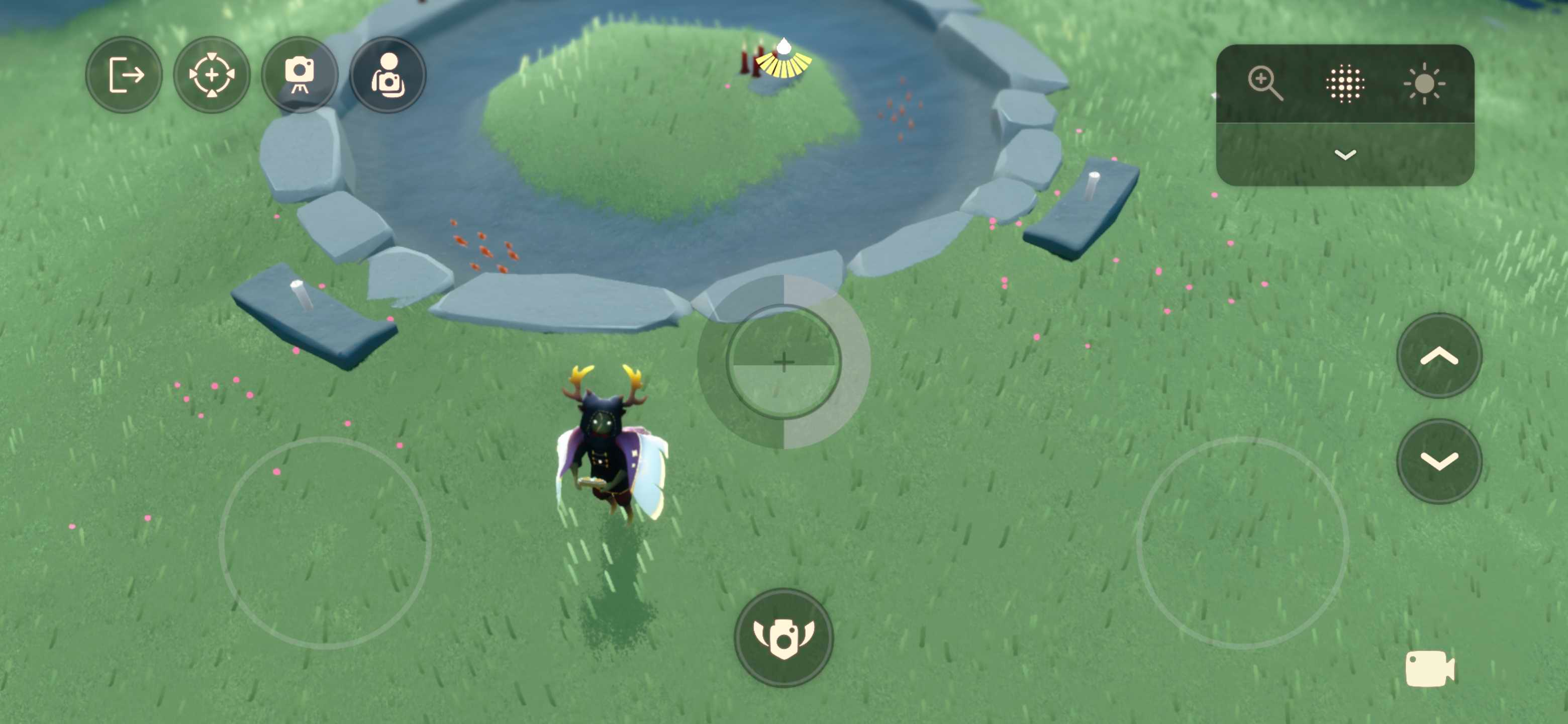
- Once the tripod button has been pressed, a new icon will appear as the fourth option in the top-left corner: a camera with “wings.” Press this button to enable Flight mode.
- You now have the Flight Camera! Manuever the camera and take the best snapshots of your adventures here in Sky.
Flight mode icon:
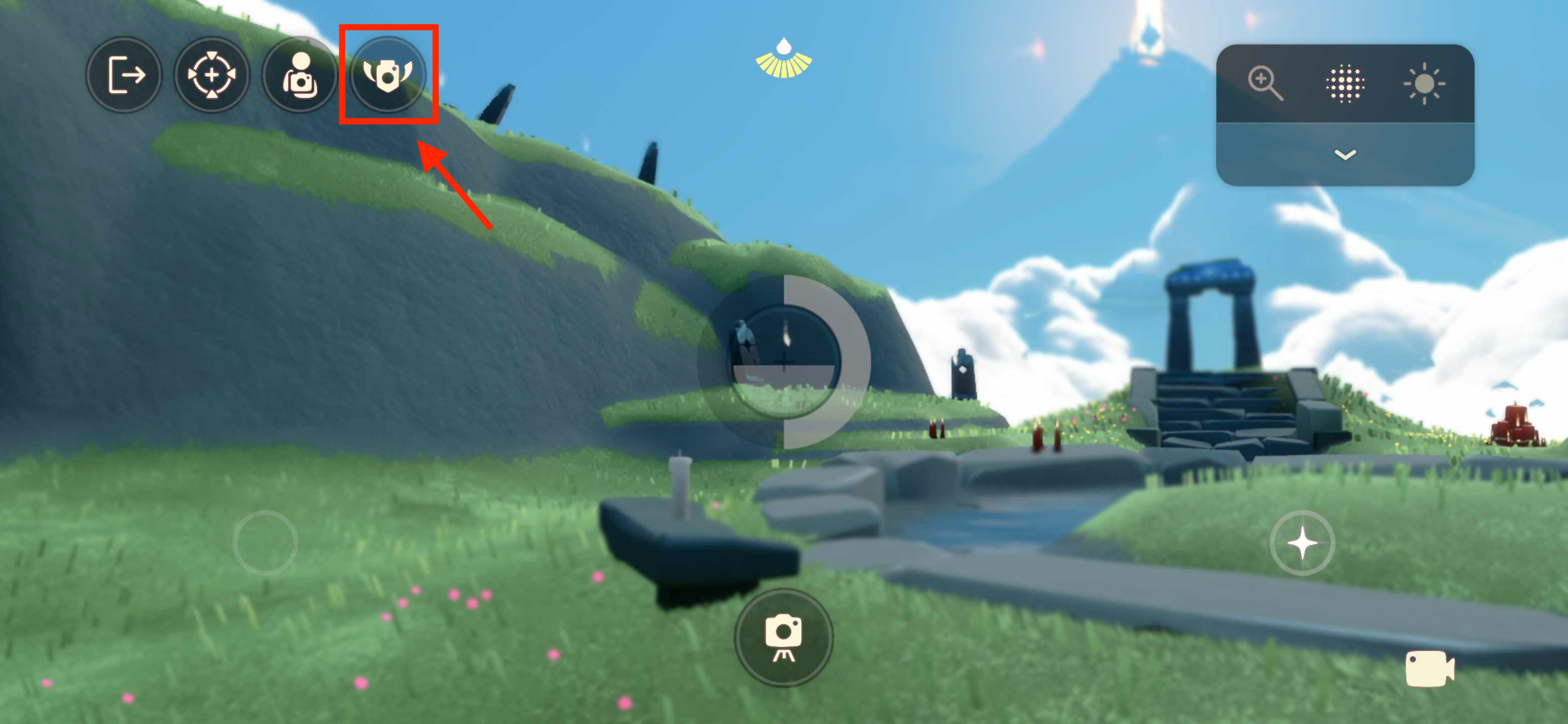
Flight mode enabled: